
Lumion – Photorealistic rendering & walkthroughs
Lumion – Realistic Architectural Rendering & Walkthroughs
Lumion is one of the most powerful real-time rendering software used in architecture and interior design. It transforms simple 3D models into stunning, photo-realistic images and cinematic walkthroughs. From residential homes to commercial projects, Lumion helps designers present their ideas with realistic lighting, materials, landscapes, and atmosphere.
In today’s design industry, clients expect high-quality visuals before construction begins. Lumion makes it possible to create professional renderings quickly, helping architects and designers communicate their concepts clearly and impress clients.
Why Lumion is Important for Designers
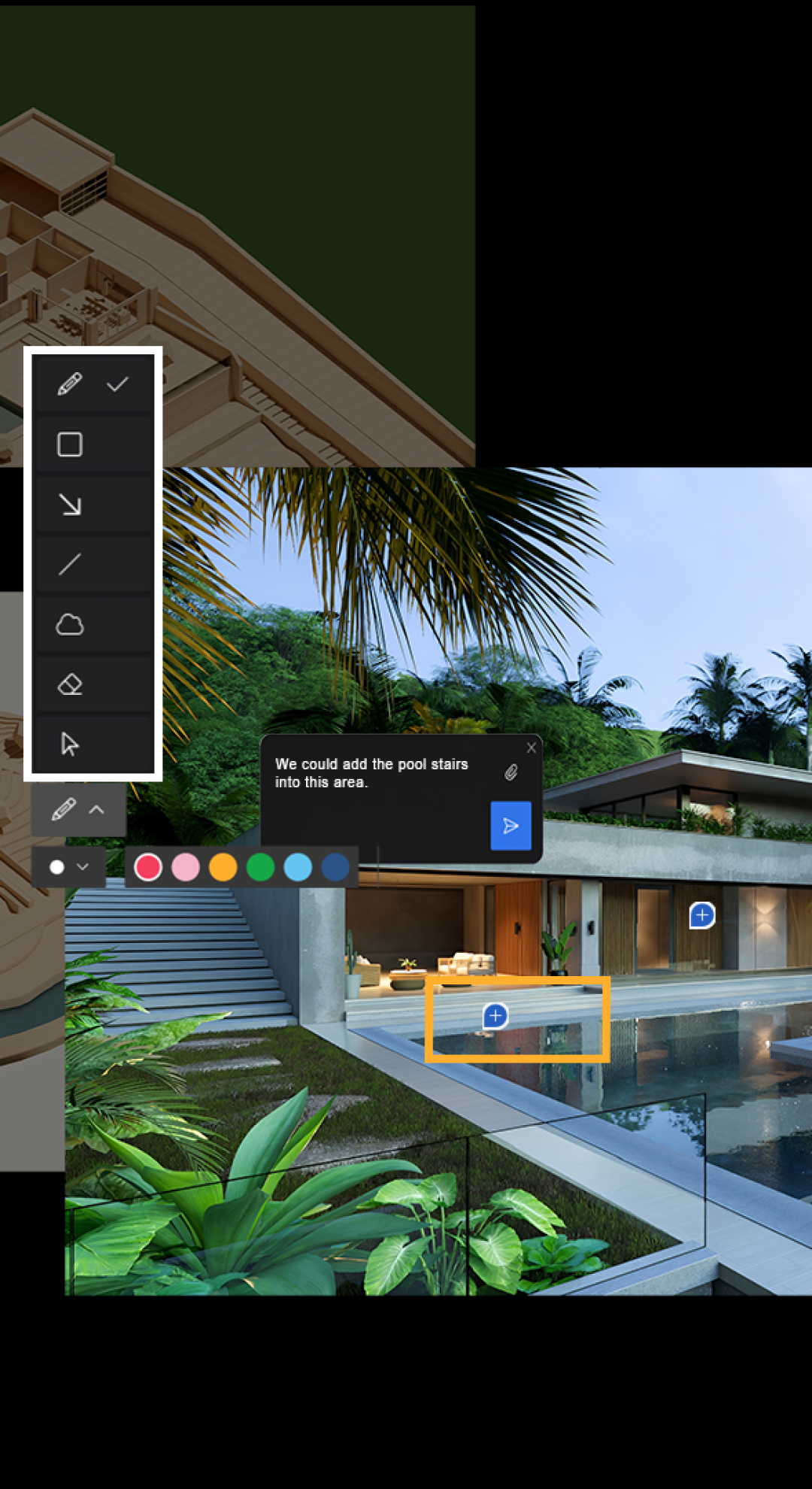
Modern architecture and interior design rely heavily on visual presentations. Clients want to see how the final space will look before execution. Lumion allows designers to create realistic renders, day and night scenes, landscape environments, and animated walkthroughs in a short time.
Learning Lumion gives students a strong advantage in the job market, as many architecture and interior firms require rendering skills for presentations and client approvals.
Learn Lumion the Way Professionals Use It
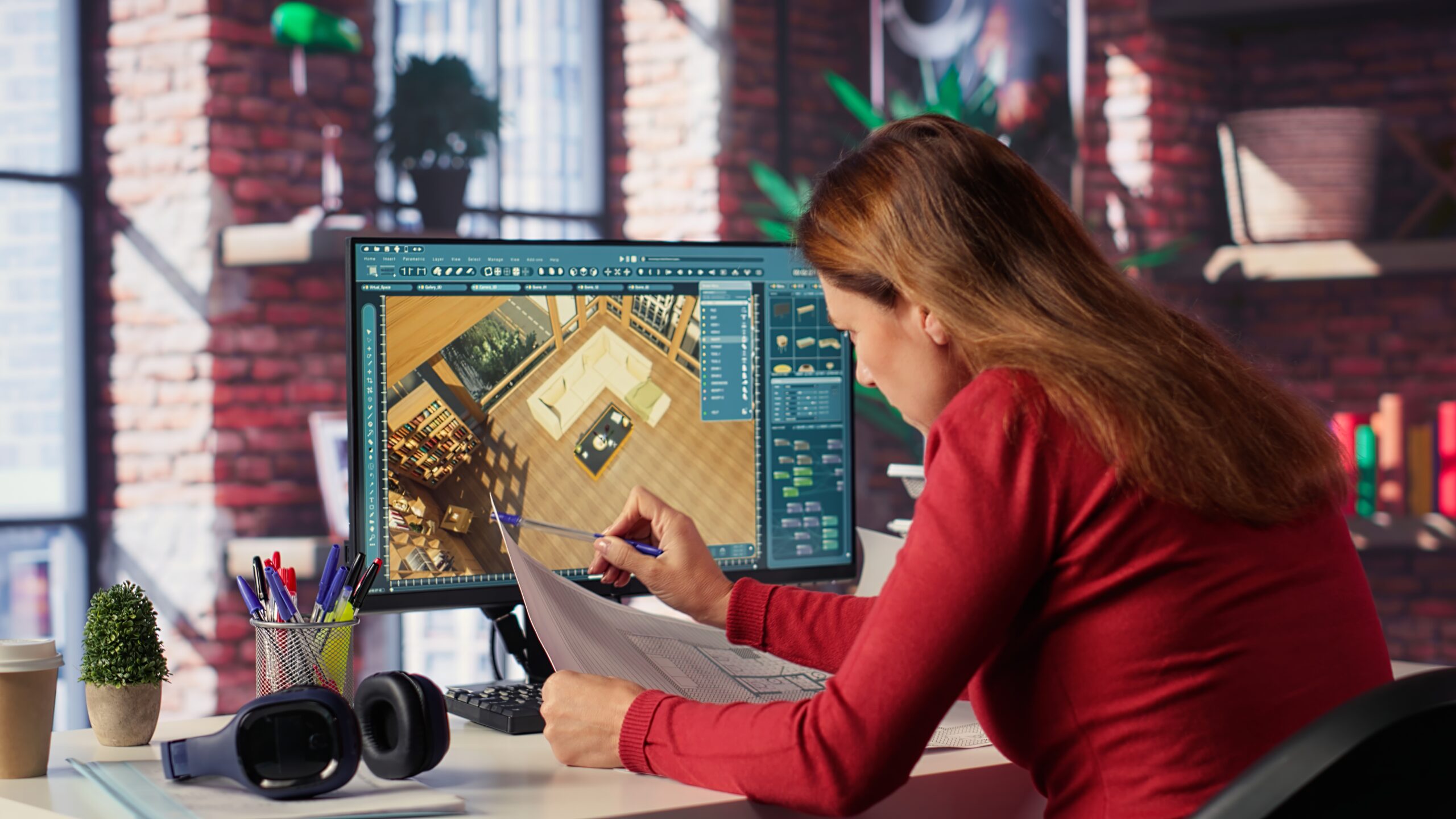
At Archi Skill Institute, students learn Lumion using real project models. The training focuses on professional rendering workflows, including materials, lighting, camera setup, environments, and animation techniques.
Instead of just applying effects, students understand how to create realistic scenes that look natural and visually appealing.
Course Structure
The Lumion course is designed for students who already know basic 3D modeling in software like SketchUp or similar tools.
The course begins with:
- Lumion interface and navigation
- Importing and managing 3D models
- Scene setup and camera controls
As the training progresses, students learn: - Applying realistic materials
- Lighting and shadow settings
- Landscape and environment creation
- Water, sky, and weather effects
Interior and exterior rendering
Realistic Rendering and Walkthroughs
A major focus of the course is creating photo-realistic images and animated walkthroughs.
Students learn:
- Camera composition techniques
- Day and night render settings
- Interior lighting effects
- Animation paths and walkthrough creation
Rendering high-quality images and videos
By the end of the course, students will create complete presentation-ready renders and videos.
Industry-Oriented Workflow
At Archi Skill Institute, students learn professional rendering workflows used in design offices. This includes:
- Scene composition techniques
- Material selection and adjustments
- Lighting balance for realistic output
Presentation-ready render settings
What You Will Learn
- Lumion interface and navigation
- Importing and managing 3D models
- Realistic materials and textures
- Lighting, shadows, and environment setup
- Interior and exterior rendering techniques
- Walkthrough animation and final rendering
Course Outcome
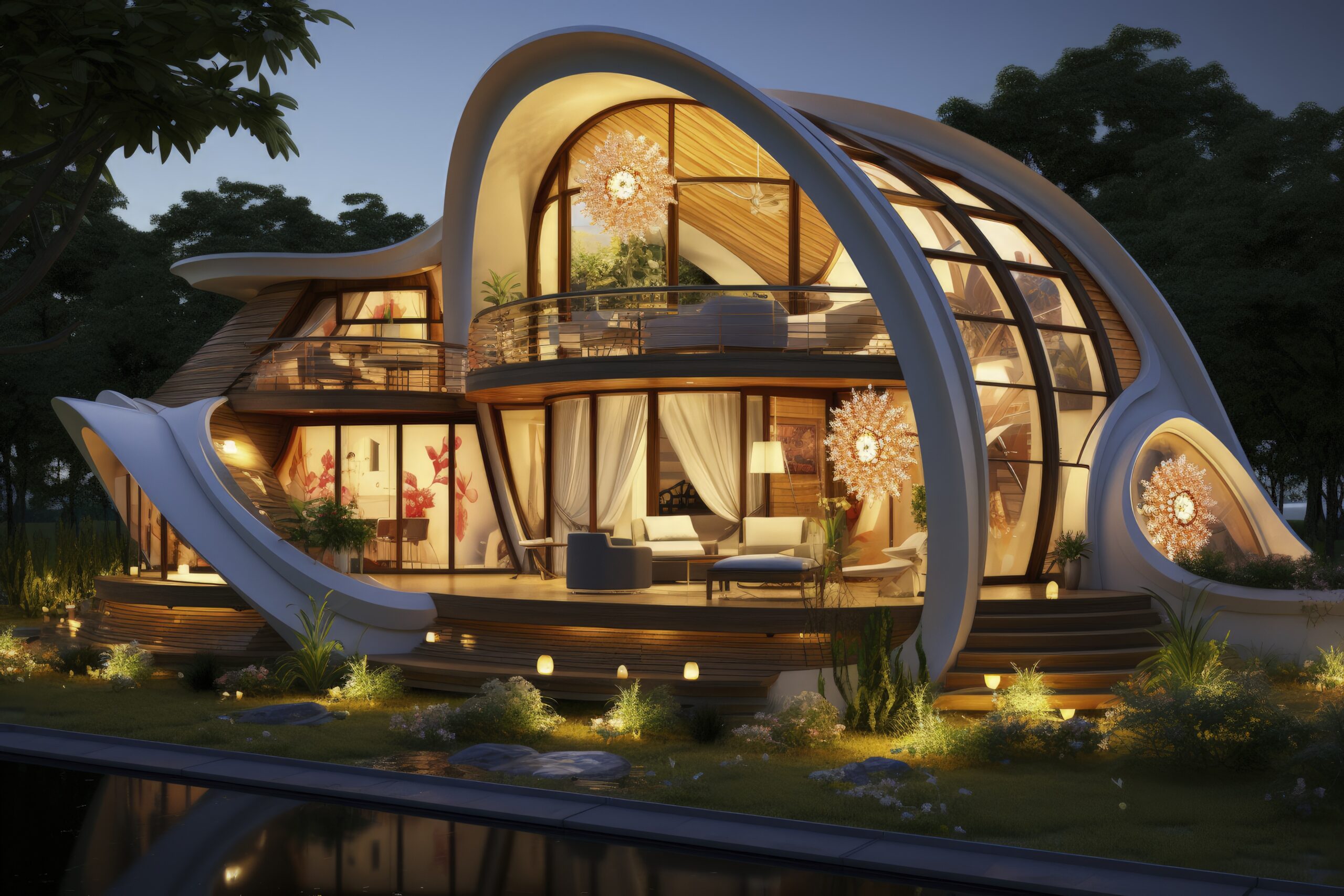
By the end of the training, students will be able to create professional-quality renders and animated walkthroughs for architectural and interior projects. They will gain the confidence to present designs to clients and work in professional design studios.